Food stalls
Two ways to take orders. Use one, or both at once.
You take the order
Grilled corn, ice cream, mooncakes, breakfast counters
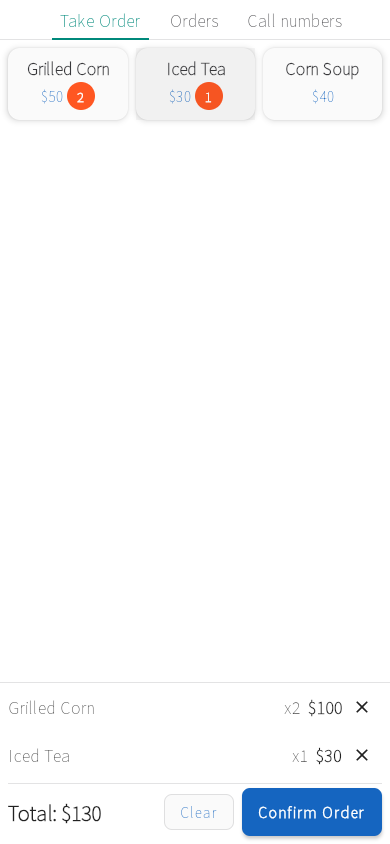
Tap the customer's items on your phone or tablet and give them the order number. Call it when the food is ready.
How it works
- 1Add your menu in the app: items, prices and options.
- 2Tap the customer's items, then Confirm Order. Tell them their order number.
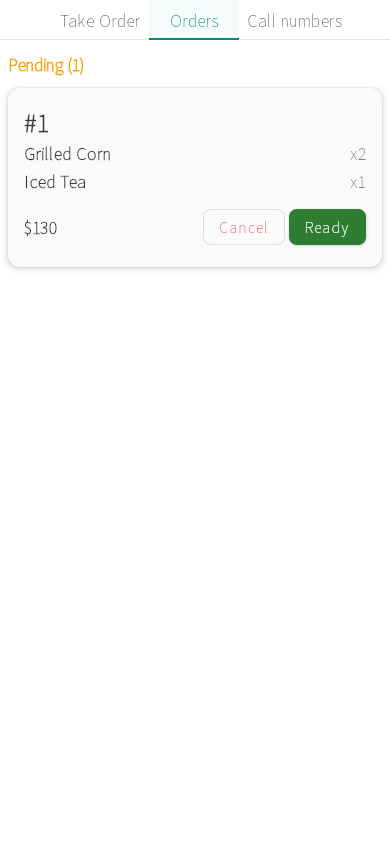
- 3When the food is done, tap Ready on Orders. That calls their number.
Set up free
Already use the app? Open it instead.
Customers order from a QR code
Noodle shops, skewer stalls, breakfast tables
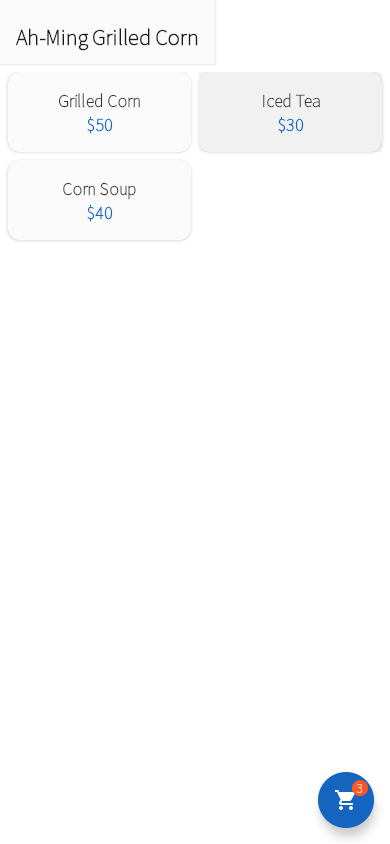
Customers scan your menu QR code and pick items and options themselves. Orders land on your board, and you can still take orders at the counter.
How it works
- 1Add your menu. Open the Number display on a screen customers can see: it shows a Scan to order QR code.
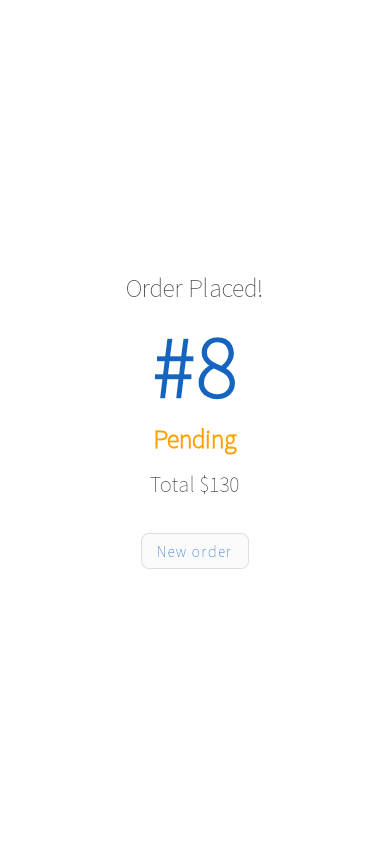
- 2Customers scan it, pick their items and options, and place the order on their phone.
- 3The order lands on Orders. Tap Ready when it's done, and their phone shows it.
Set up free
Already use the app? Open it instead.
Add to any setup
A screen everyone can seeWaiting areas, service counters, pickup windowsOpen your queue's display link on a TV, a monitor or a spare tablet. The number changes the moment you tap Call next.How to add it →Numbers called out loudService counters, registration desks, noisy hallsTurn on Shout Out and the phone or tablet you call from says each number, so people who aren't watching their phone still hear it.How to add it →