A tablet at the counter
Pickup counters, demo booths, bowling desks
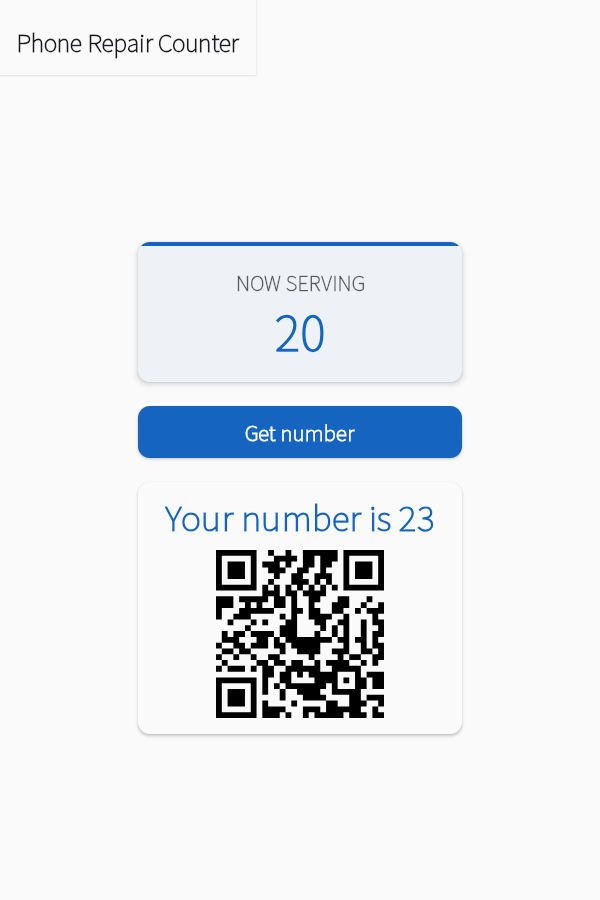
Each tap on the tablet gives the next number, with a QR code the customer scans to follow it on their phone. No printer, no paper tickets.
How it works
- 1Open Screens & links on the caller and scan the Hand out numbers QR code with the tablet.
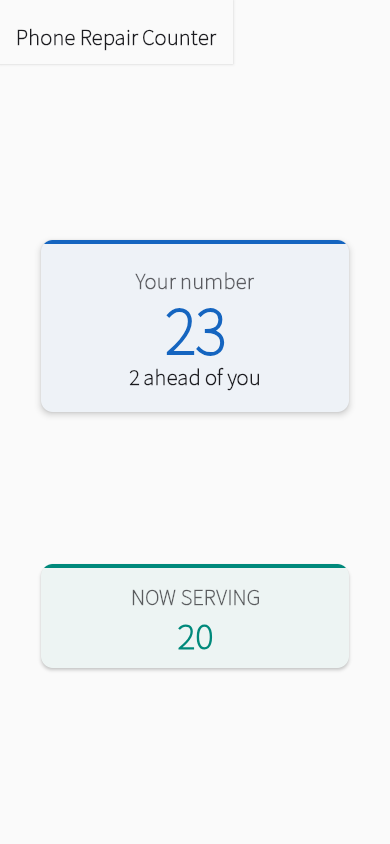
- 2Each customer taps Get number and scans the QR code on the tablet. Their phone shows how many are ahead.
- 3Tap Call next. Their phone shows it's their turn.
Set up free
Already use the app? Open it instead.
Add to any setup
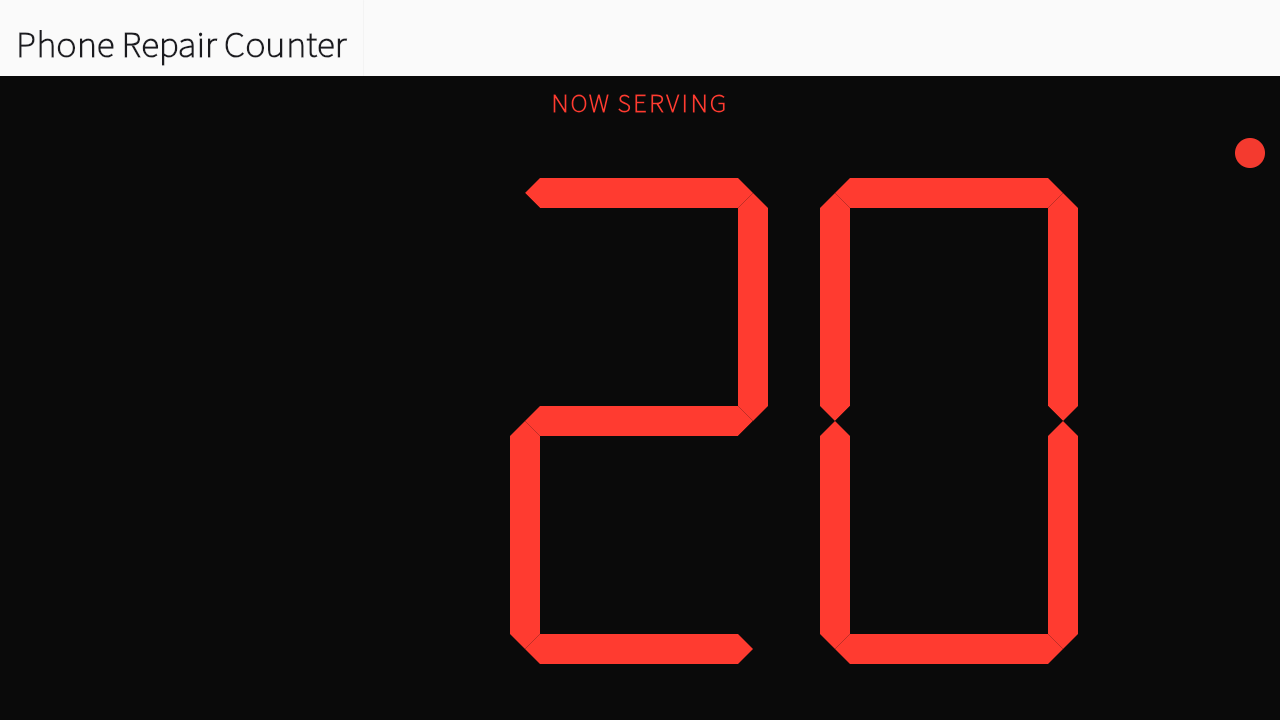
A screen everyone can seeWaiting areas, service counters, pickup windowsOpen your queue's display link on a TV, a monitor or a spare tablet. The number changes the moment you tap Call next.How to add it →Numbers called out loudService counters, registration desks, noisy hallsTurn on Shout Out and the phone or tablet you call from says each number, so people who aren't watching their phone still hear it.How to add it →